Smoothed line series
This tutorial looks at what options we have to create smoothed line and area series.
Creating smoothed line series
Section titled “Creating smoothed line series”amCharts 5 offers types of smoothed line series:
| Class | Comment |
|---|---|
am5xy.SmoothedXLineSeries |
Used for horizontal series. |
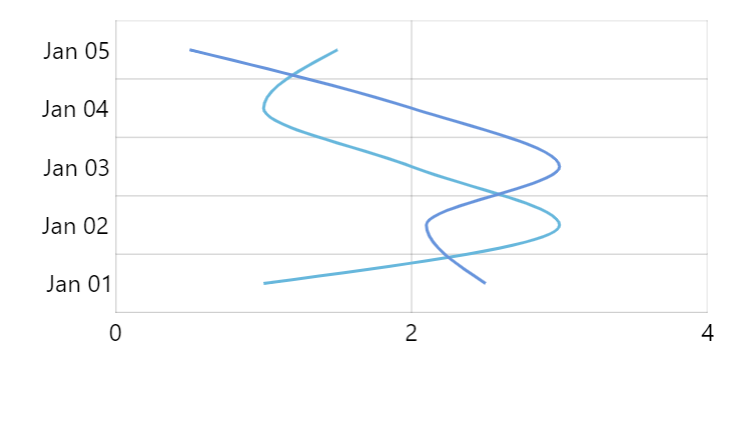
am5xy.SmoothedYLineSeries |
Used for vertical series. |
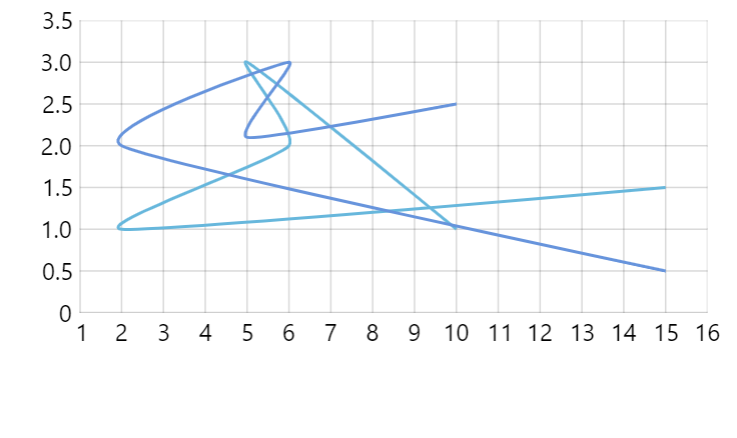
am5xy.SmoothedXYLineSeries |
Used for scenarios where series does not have any specific direct, e.g. scatter chart. |
Using proper axis type ensures that the line itself will not go outside its value bounds.
let series = chart.series.push( am5xy.SmoothedXLineSeries.new(root, { name: "Series", xAxis: xAxis, yAxis: yAxis, valueYField: "value", valueXField: "date" }));var series = chart.series.push( am5xy.SmoothedXLineSeries.new(root, { name: "Series", xAxis: xAxis, yAxis: yAxis, valueYField: "value", valueXField: "date" }));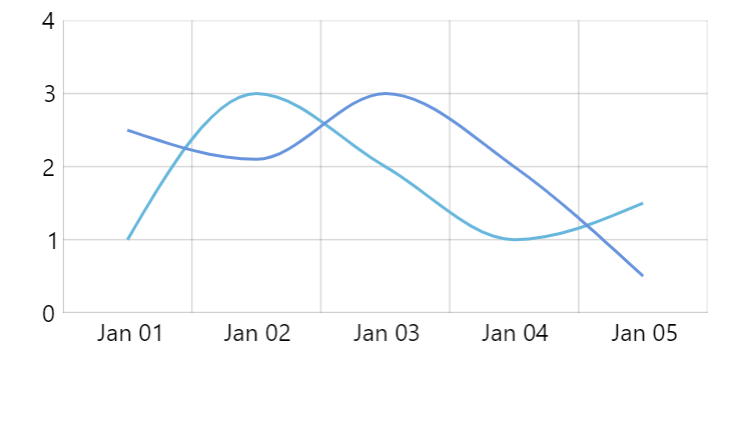
Line tension
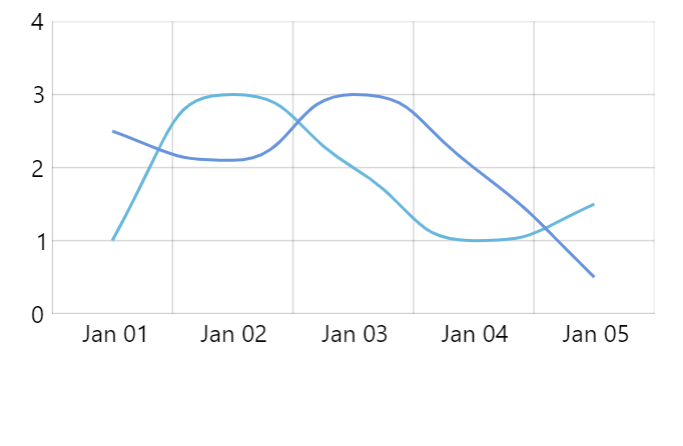
Section titled “Line tension”Smoothed lines do have one setting: tension.
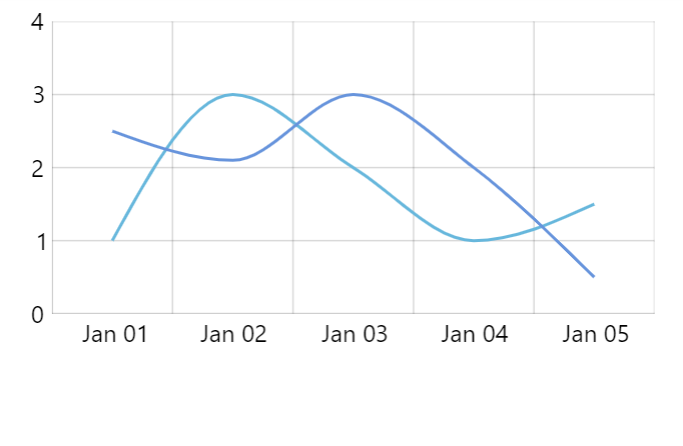
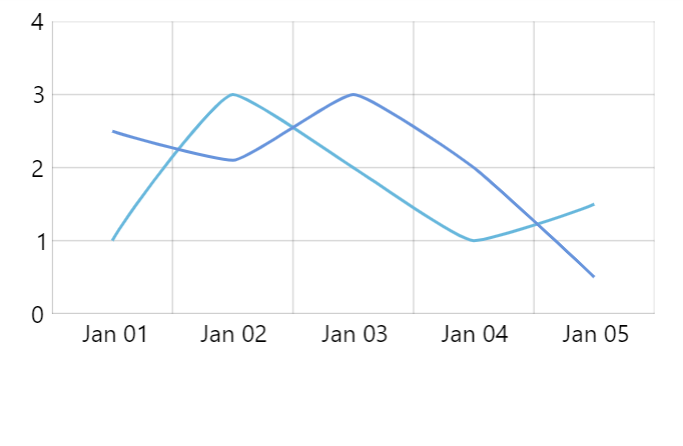
It’s a numeric value from 0 (zero) to 1 (one) indicating strength the two connected points are “pulling” at the connecting line.
The smaller the number, the more lose and curvy the line will be. 1 indicates maximum strength which means it will be a perfectly straight line.
Configuring appearance
Section titled “Configuring appearance”By all intents and purposes all smoothed line series types are essentially a line series. Its appearance, just like line series, is configured via strokes.template and fills.template.
For more information, please refer to “Line series: Configuring appearance” tutorial.
Using D3 smoothing
Section titled “Using D3 smoothing”If the three smoothed line series choices does not fit our requirements, we have an option of using various smoothing algorithms bundled with d3-shape library.
Since those are not bundled with amCharts, you may need to load load them as modules from d3-shape npm package or compiled JS binaries from some CDN:
import * as d3 from "https://cdn.skypack.dev/d3-shape@3";<script src="https://cdn.jsdelivr.net/npm/d3-shape@3"></script>Then it’s just as easy as setting curveFactory on your regular LineSeries:
let series = chart.series.push( am5xy.LineSeries.new(root, { name: "Series", xAxis: xAxis, yAxis: yAxis, valueYField: "value", valueXField: "date", curveFactory: d3.curveBumpX }));var series = chart.series.push( am5xy.LineSeries.new(root, { name: "Series", xAxis: xAxis, yAxis: yAxis, valueYField: "value", valueXField: "date", curveFactory: d3.curveBumpX }));