Pie chart
This tutorial will walk through most common aspects of creating pie and donut charts.
Loading required modules
Section titled “Loading required modules”Everything required to create pie charts are two amCharts 5 modules: “index” and “percent”.
You can import those in your TypeScript / ES6 application as JavaScript modules:
import * as am5 from "@amcharts/amcharts5";import * as am5percent from "@amcharts/amcharts5/percent";For vanilla JavaScript applications and web pages, you can use “script” version:
<script src="https://cdn.amcharts.com/lib/5/index.js"></script><script src="https://cdn.amcharts.com/lib/5/percent.js"></script>Instantiating the chart
Section titled “Instantiating the chart”As with any chart type in amCharts 5, we’ll need to start with creation of the Root element.
In it we will create an instance of PieChart class to create a pie chart
let root = am5.Root.new("chartdiv");let chart = root.container.children.push( am5percent.PieChart.new(root, {}));var root = am5.Root.new("chartdiv");var chart = root.container.children.push( am5percent.PieChart.new(root, {}));Series
Section titled “Series”Adding
Section titled “Adding”Pie chart supports one series type: PieSeries.
Like everywhere else, we use its new() method to instantiate series, then push it into series list of the chart:
let series = chart.series.push( am5percent.PieSeries.new(root, { name: "Series", categoryField: "country", valueField: "sales" }));var series = chart.series.push( am5percent.PieSeries.new(root, { name: "Series", categoryField: "country", valueField: "sales" }));Data fields
Section titled “Data fields”Pie chart series require two to dimensions of data: a string-based category and a numeric value.
Data fields basically mean which keys in data objects to look for specific value.
They can be set via series’ settings categoryField and valueField.
Let’s take sample data:
[{ country: "France", sales: 100000}, { country: "Spain", sales: 160000}, { country: "United Kingdom", sales: 80000}]The following data fields would need to describe data fields like this:
let series = chart.series.push( am5percent.PieSeries.new(root, { name: "Series", categoryField: "country", valueField: "sales" }));var series = chart.series.push( am5percent.PieSeries.new(root, { name: "Series", categoryField: "country", valueField: "sales" }));Setting data
Section titled “Setting data”The data is set directly on series via its data property:
series.data.setAll([{ country: "France", sales: 100000}, { country: "Spain", sales: 160000}, { country: "United Kingdom", sales: 80000}]);series.data.setAll([{ country: "France", sales: 100000}, { country: "Spain", sales: 160000}, { country: "United Kingdom", sales: 80000}]);Series appearance
Section titled “Series appearance”For more information about configuring appearance of the pie series, refer to “Pie series”.
Legend
Section titled “Legend”To add a legend, we simply need to create an instance of a Legend class (which is a part of “core” package), push it to chart’s children (or any other place we want it to be), as well as set its data (in case of percent chart, we will probably want to have each slice as a legend item).
let legend = chart.children.push(am5.Legend.new(root, {  centerX: am5.percent(50),  x: am5.percent(50),  layout: root.horizontalLayout}));
legend.data.setAll(series.dataItems);
var legend = chart.children.push(am5.Legend.new(root, { centerX: am5.percent(50), x: am5.percent(50), layout: root.horizontalLayout}));
legend.data.setAll(series.dataItems);Complete example
Section titled “Complete example”import * as am5 from "@amcharts/amcharts5";import * as am5percent from "@amcharts/amcharts5/percent";
// Create root and chartlet root = am5.Root.new("chartdiv");let chart = root.container.children.push( am5percent.PieChart.new(root, { layout: root.verticalHorizontal }));
// Define datalet data = [{ country: "France", sales: 100000}, { country: "Spain", sales: 160000}, { country: "United Kingdom", sales: 80000}];
// Create serieslet series = chart.series.push( am5percent.PieSeries.new(root, { name: "Series", valueField: "sales", categoryField: "country" }));series.data.setAll(data);
// Add legendlet legend = chart.children.push(am5.Legend.new(root, { centerX: am5.percent(50), x: am5.percent(50), layout: root.horizontalLayout}));
legend.data.setAll(series.dataItems);<script src="https://cdn.amcharts.com/lib/5/index.js"></script><script src="https://cdn.amcharts.com/lib/5/percent.js"></script>
<div id="chartdiv"></div>
<script>// Create root and chartvar root = am5.Root.new("chartdiv");var chart = root.container.children.push( am5percent.PieChart.new(root, { layout: root.verticalHorizontal }));
// Define datavar data = [{ country: "France", sales: 100000}, { country: "Spain", sales: 160000}, { country: "United Kingdom", sales: 80000}];
// Create seriesvar series = chart.series.push( am5percent.PieSeries.new(root, { name: "Series", valueField: "sales", categoryField: "country" }));series.data.setAll(data);
// Add legendvar legend = chart.children.push(am5.Legend.new(root, { centerX: am5.percent(50), x: am5.percent(50), layout: root.horizontalLayout}));
legend.data.setAll(series.dataItems);</script>Start/end angles
Section titled “Start/end angles”A pie chart is not limited to a full circle. It can start and end at any angle.
For that we have to set chart’s settings: startAngle and endAngle.
These are numeric values denoting degrees.
A zero angle is one that goes from the center of the chart directly to right.
Defaults are -90 (startAngle) and 270 (endAngle) forming full circle starting at vertical line up.
We can change that any way we want.
let chart = root.container.children.push(  am5percent.PieChart.new(root, {    startAngle: -180,    endAngle: 0  }));
let series = chart.series.push(  am5percent.PieSeries.new(root, {    name: "Series",    valueField: "sales",    categoryField: "country",    startAngle: -180,    endAngle: 0  }));
var chart = root.container.children.push( am5percent.PieChart.new(root, { startAngle: -180, endAngle: 0 }));
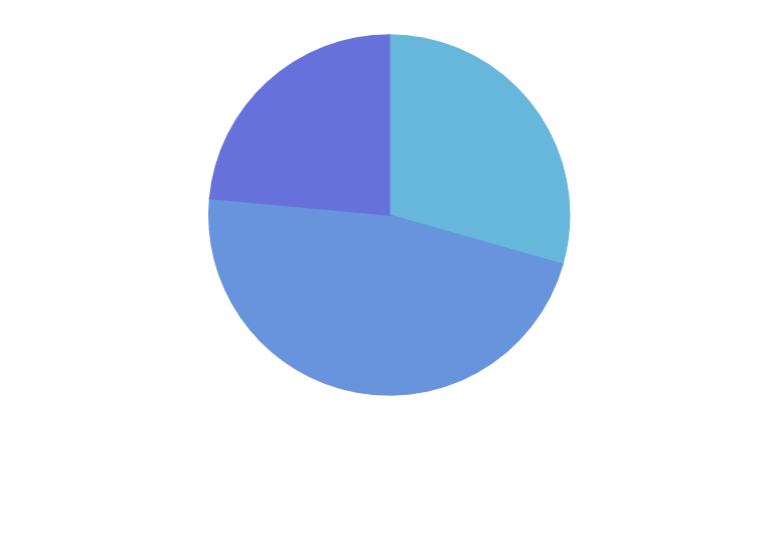
var series = chart.series.push( am5percent.PieSeries.new(root, { name: "Series", valueField: "sales", categoryField: "country", startAngle: -180, endAngle: 0 }));The above will result in a horizontal semi-circle:

Pie radius
Section titled “Pie radius”Outer radius
Section titled “Outer radius”Chart’s outer radius can be set using its radius setting.
It can be either percent value (relative to available space) or fixed pixel value.
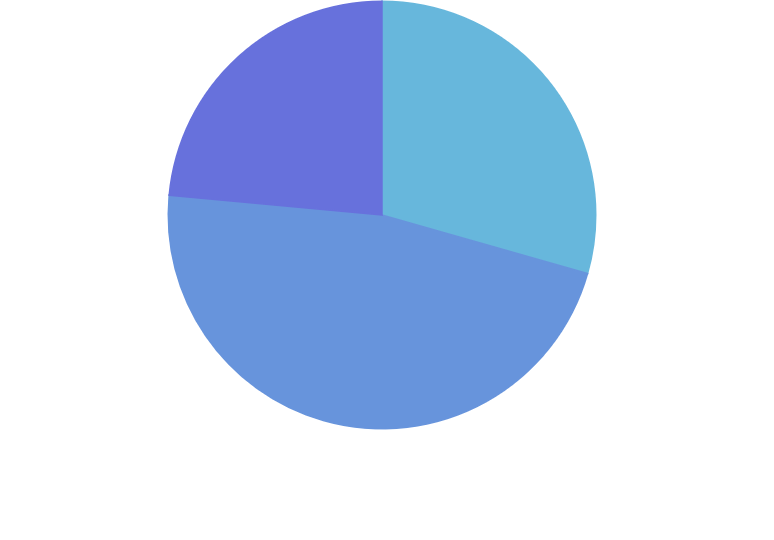
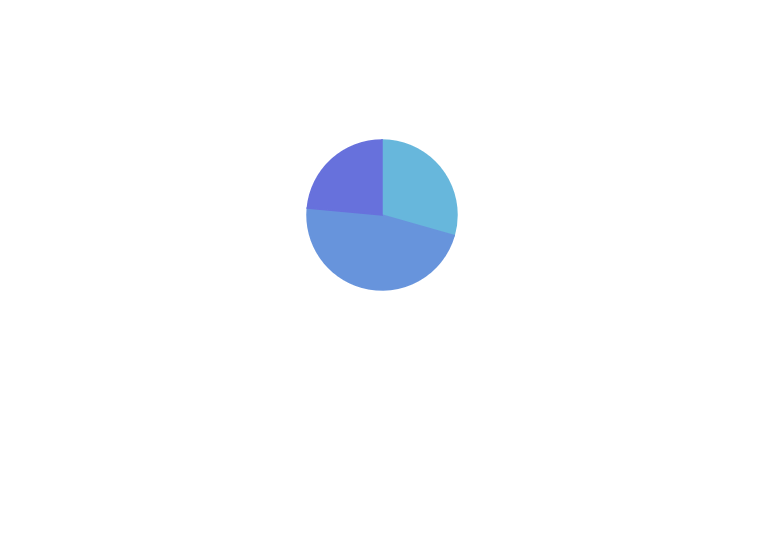
Pie chart’s radius is set to 80% by default to leave some space for possible ticks and labels.
If we do not need that extra space, we can increase the radius:
let chart = root.container.children.push( am5percent.PieChart.new(root, { radius: am5.percent(95) }));var chart = root.container.children.push( am5percent.PieChart.new(root, { radius: am5.percent(95) }));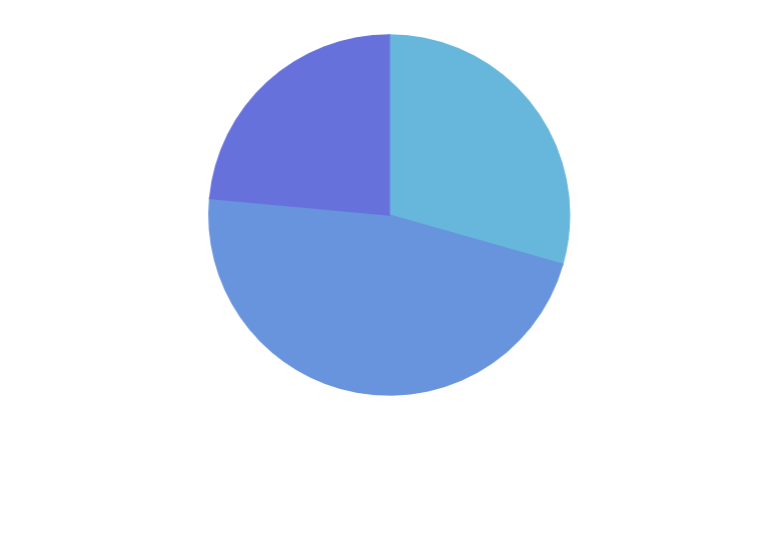
Inner radius
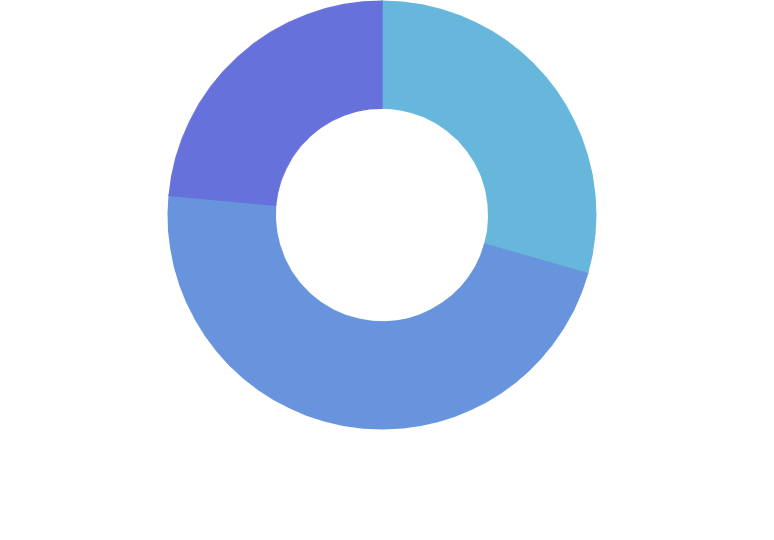
Section titled “Inner radius”Chart’s innerRadius settings controls the “hole” inside the pie.
As with radius it can be either a percent value or fixed pixel value.
The difference is that innerRadius percent value is relative to the chart radius, rather than available space.
We can also use negative values in innerRadius. Those will mean pixel distance from the outer radius. This allows creating fixed-width slices.
let chart = root.container.children.push( am5percent.PieChart.new(root, { radius: am5.percent(95), innerRadius: am5.percent(50) }));var chart = root.container.children.push( am5percent.PieChart.new(root, { radius: am5.percent(95), innerRadius: am5.percent(50) }));
Nested pie series
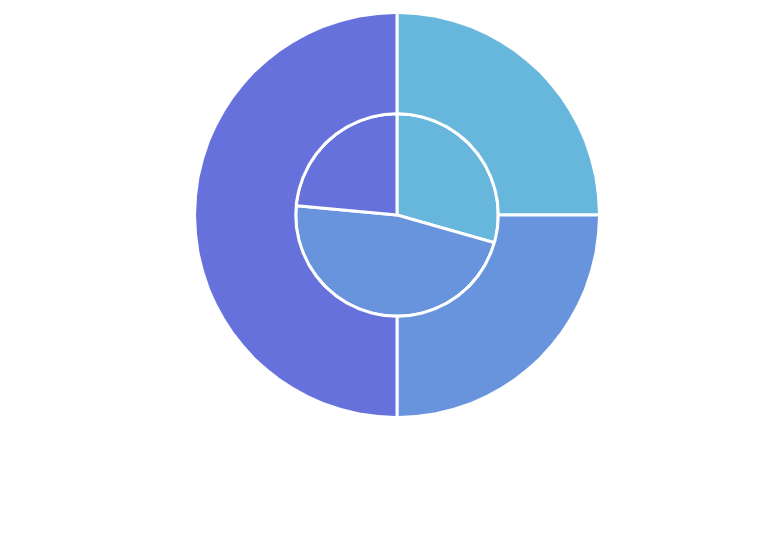
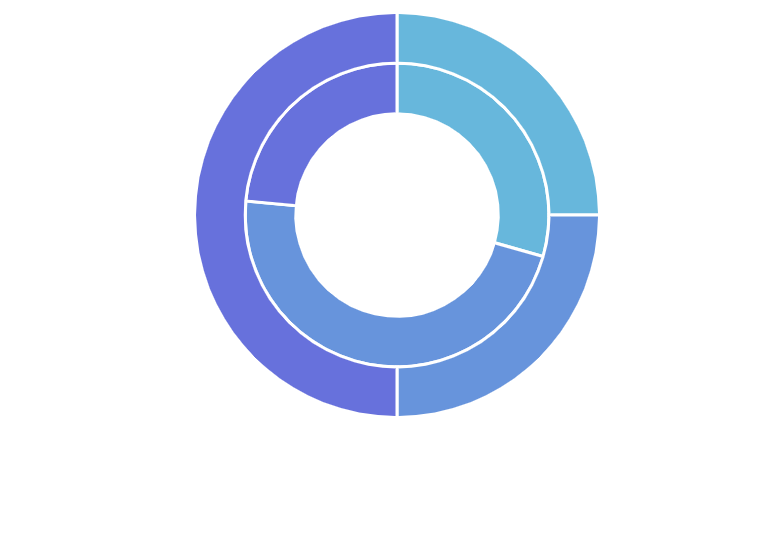
Section titled “Nested pie series”Pie chart supports multiple series.
If we add several series to the chart, it will automatically divvy up available the radius (as set by its radius and innerRadius settings) between all series, giving them equal space.
Animation
Section titled “Animation”Normally, created series will appear on chart right away. Should we want to make it play out initial animation, we can call it’s appear() method right after creating its object.
appear() method can also be called on the chart itself.
let series = chart.series.push( am5percent.PieSeries.new(root, { name: "Series", categoryField: "country", valueField: "sales" }));series.appear();chart.appear();var series = chart.series.push( am5percent.PieSeries.new(root, { name: "Series", categoryField: "country", valueField: "sales" }));series.appear();chart.appear();