

Truncating legend labels
Sometimes chart legend can get out of control size-wise, especially if you have long labels. This tutorial will show how you can get it back in check by capping the length of its labels.
The problem
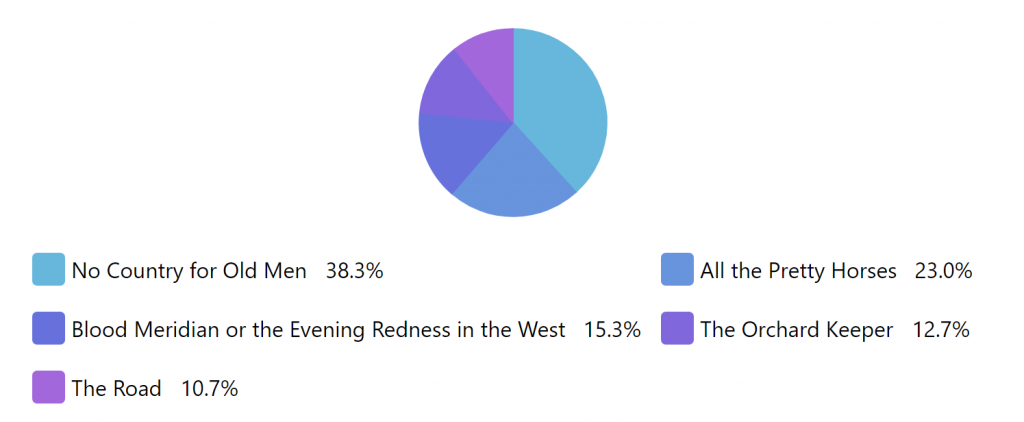
Section titled “The problem”Long labels will bloat up legend size. This is especially prominent where chart size is not very big:
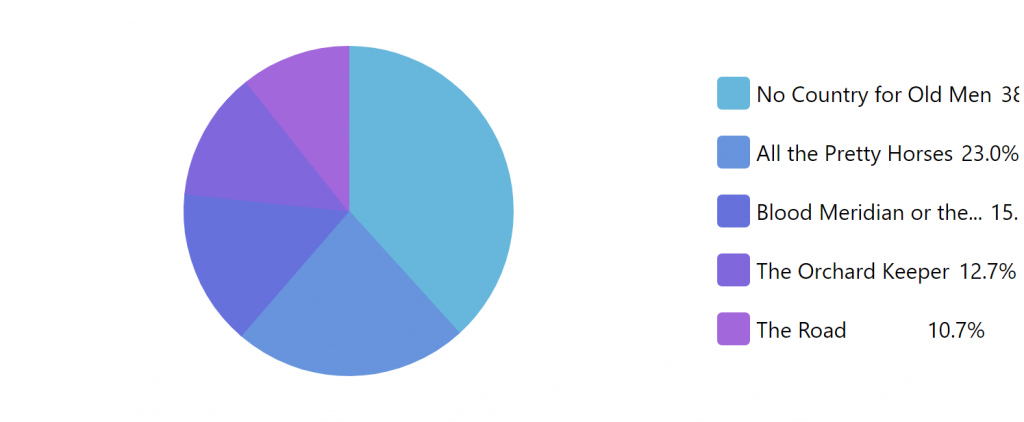
Even if you put the legend to the side, which will limit whole width of the legend, the long labels look kinda messy:
Truncating labels
Section titled “Truncating labels”The solution is quite simple: set maximum width for the labels and make them truncate.
Those can be achieved using maxWidth and truncate respectively. They are set on legend.labels.template:
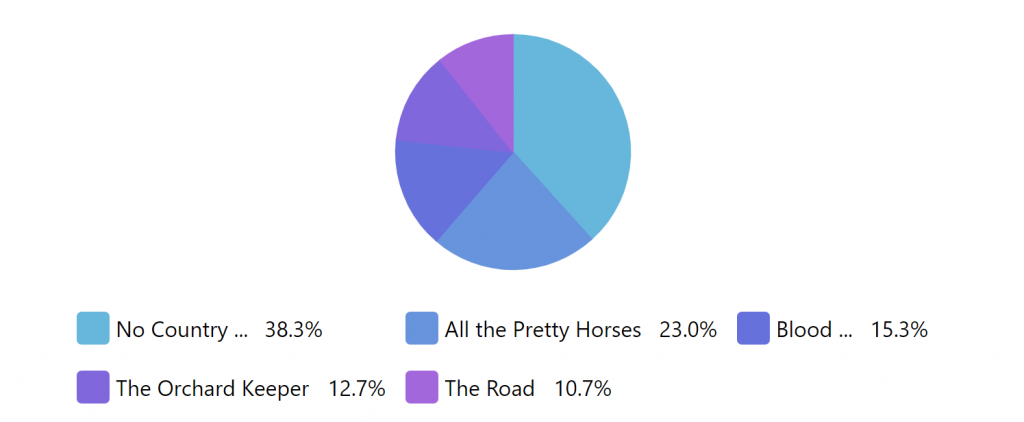
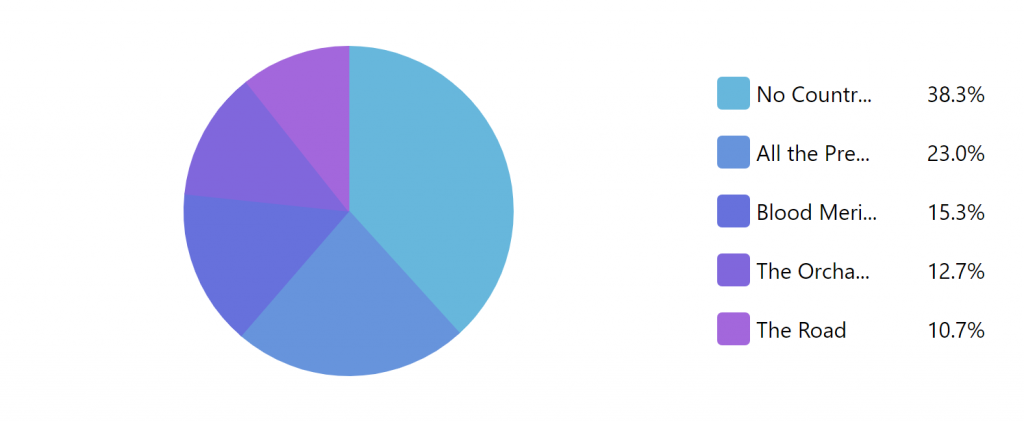
chart.legend.labels.template.maxWidth = 150;chart.legend.labels.template.truncate = true;chart.legend.labels.template.maxWidth = 150;chart.legend.labels.template.truncate = true;{ // ... "legend": { "labels": { "maxWidth": 150, "truncate": true } }}Now, size of the legend items become somewhat manageable:
Show full text in tooltip
Section titled “Show full text in tooltip”There’s a catch, though. We don’t see the whole text.
Let’s add a tooltip that would show full category name on hover. It’s easy, since we can add a tooltip to pretty much anything, as well as make it reference to data using curly bracket placeholders.
We’re going to set that on the whole of the legend item container:
chart.legend.itemContainers.template.tooltipText = "{category}";chart.legend.itemContainers.template.tooltipText = "{category}";{ // ... "legend": { // .. "itemContainers": { "tooltipText": "{category}" } }}Go ahead, try it out:
Wrapping labels
Section titled “Wrapping labels”There’s an alternative: wrapping labels instead of truncating them.
It works similarly to what we had above, but instead of setting truncate we set wrap.
chart.legend.labels.template.truncate = false;chart.legend.labels.template.wrap = true;chart.legend.labels.template.truncate = false;chart.legend.labels.template.wrap = true;{ // ... "legend": { "labels": { // ... "truncate": false, "wrap": true } }}