

Sum label inside a donut chart
The defining characteristic of each donut, including donut charts, is its hole. It’s a space that can be used for good. This tutorial will show how we can easily add some labels inside it to display complementing information, such as sum of values for all the slices.
Adding a label
Section titled “Adding a label”Most of the elements in amCharts 4 is a Container, meaning it can contain other elements.
Chart itself is a container. Series is a container. Legend is a container.
To add a label all we need to do is to add a Label instance.
For our specific purpose, we are going to add a Label to series. We’ll explain why in due course.
let label = pieSeries.createChild(am4core.Label);label.text = "Hi there!";label.horizontalCenter = "middle";label.verticalCenter = "middle";label.fontSize = 40;var label = pieSeries.createChild(am4core.Label);label.text = "Hi there!";label.horizontalCenter = "middle";label.verticalCenter = "middle";label.fontSize = 40;{ // ... "series": [{ // ... "children": [{ "type": "Label", "forceCreate": true, "text": "Hi there!", "horizontalCenter": "middle", "verticalCenter": "middle", "fontSize": 40 }] }]}Notice how we’re setting the horizontalCenter and verticalCenter of our label: we do want it to be placed perfectly aligned to the middle.
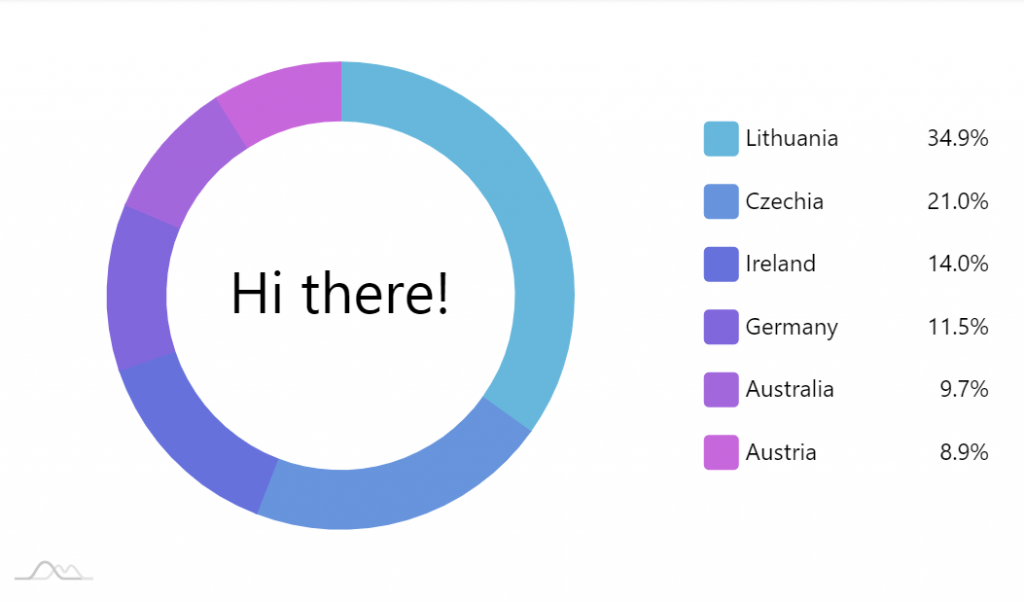
Binding to data
Section titled “Binding to data”Displaying greetings is all good and fine. Now, let’s see how we can display some real data.
That’s where our decision to create label as a child to series comes into play: we can use data placeholders to access actual data from series.
In our case we can use {values.value.sum} to access sum of slice values, held in series’ data item:
label.text = "${values.value.sum}";label.text = "${values.value.sum}";{ // ... "series": [{ // ... "children": [{ "type": "Label", "forceCreate": true, "text": "${values.value.sum}", // ... }] }]}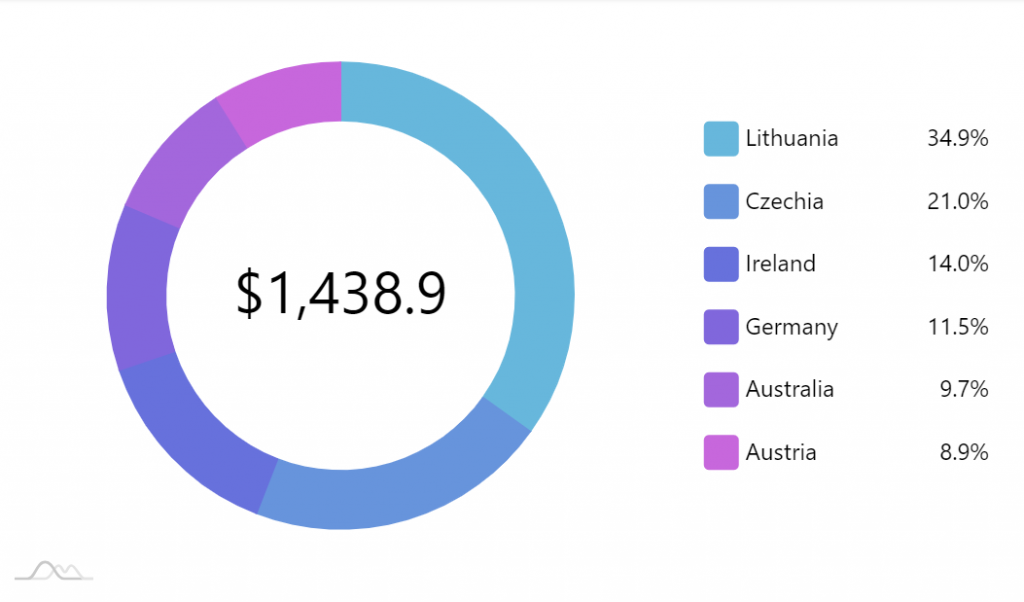
Working example
Section titled “Working example”P.S. there’s a JSON version of the above chart.