

Setting minimal width of Scrollbar thumb
This tutorial will explain how you can set minimal width/height of the chart Scrollbar’s “thumb” - draggable middle section.
The problem
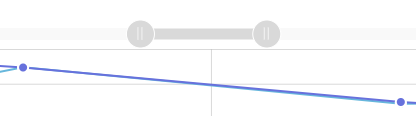
Section titled “The problem”OK, so you added a scrollbar (or a couple of) to your chart. This is great because it allows your users to zoom the chart as well as pan the selection. The thumb - grayer mid section that comes between two grip buttons - can be used to pan the selection.
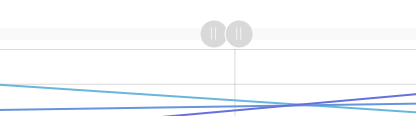
However, if you zoom in even further, the thumb becomes so small, you can even see it, let along drag.
The solution
Section titled “The solution”The solution us actually super-simple: just set minWidth (or minHeight if it’s a vertical scrollbar) to a minimum number of pixels you don’t want your thumb to shrink beyond.
chart.scrollbarX.thumb.minWidth = 50;chart.scrollbarX.thumb.minWidth = 50;{ // ... "scrollbarX": { "type": "Scrollbar", "thumb": { "minWidth": 50 } }}