Replacing default export icon
This tutorial will show how you can easily replace the default ... in export menu’s top level item with a custom image.
Default behavior
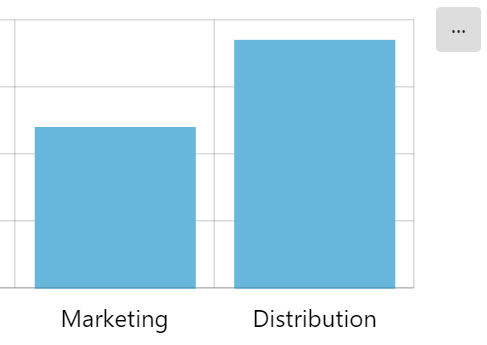
Section titled “Default behavior”Export menu displays a button with a triple dot in it:
Let’s change it to something else.
Top-menu item
Section titled “Top-menu item”The menu which is an object of type ExportMenu has a property items which holds a hierarchical representation of menu items.
Since we are targeting the top level menu item, it will be accessible via chart.exporting.menu.items[0].
It holds an object that corresponds to the IExportMenuItem interface.
In the subsequent chapters we are going to be manipulating one property of menu item or the other.
Using an image
Section titled “Using an image”Menu items have a handy property icon. To display a menu item as an image, all we need to do is simply set it to an URI of an image.
It can be a full or relative URL:
chart.exporting.menu.items[0].icon = "/path/to/downloadIcon.png";chart.exporting.menu.items[0].icon = "/path/to/downloadIcon.png";{ // ... "exporting": { "menu": { "items": [{ "icon": "/path/to/downloadIcon.png" }] } }}It can even be a “data URI”:
chart.exporting.menu.items[0].icon = "data:image/svg+xml;base64,...";chart.exporting.menu.items[0].icon = "data:image/svg+xml;base64,...";{ // ... "exporting": { "menu": { "items": [{ "icon": "data:image/svg+xml;base64,..." }] } }}Here’s how it looks now: