

PieChart with too many slices
If we are using Pie charts, once in a while we end up with one that has simply too many slices. This tutorial will look at some basic ways to make it less awkward.
The problem
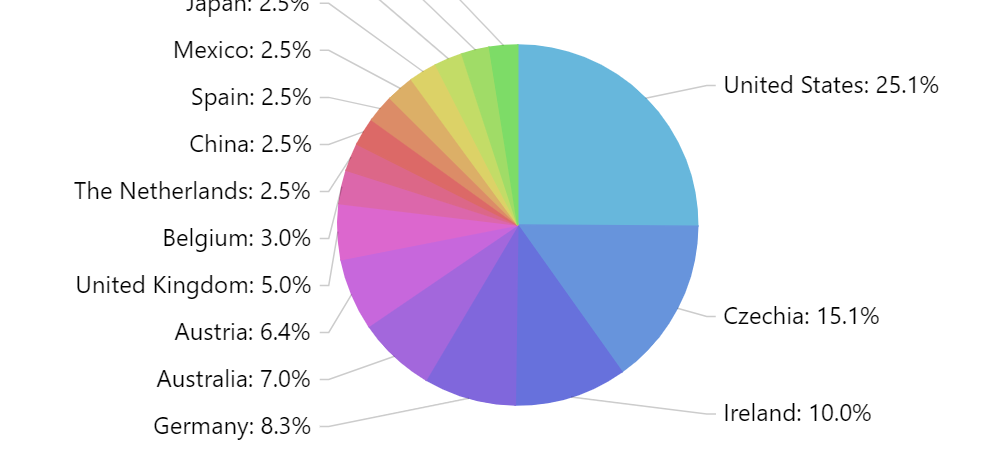
Section titled “The problem”Having a lot of slices on a single chart poses an obvious issue: the labels displayed for each chart simply do not fit.
The solutions
Section titled “The solutions”There are a few things you could do. We’ll look at them each one-by-one.
Reduce label padding
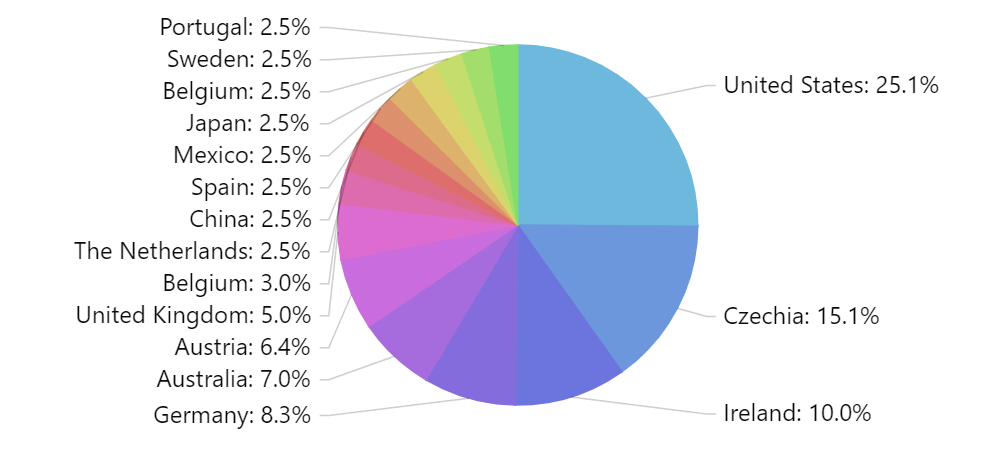
Section titled “Reduce label padding”This will allow labels to be packed closer together, so more of them fit in the same column.
pieSeries.labels.template.paddingTop = 0;pieSeries.labels.template.paddingBottom = 0;pieSeries.labels.template.paddingTop = 0;pieSeries.labels.template.paddingBottom = 0;{ // ... "series": [{ // ... "labels": { "paddingTop": 0, "paddigBottom": 0 } }]}Here’s how our chart looks like now:
Reduce font size
Section titled “Reduce font size”Reducing font size also makes labels smaller and thus makes more of them fit into same space.
pieSeries.labels.template.fontSize = 10;pieSeries.labels.template.fontSize = 10;{ // ... "series": [{ // ... "labels": { "fontSize": 10 } }]}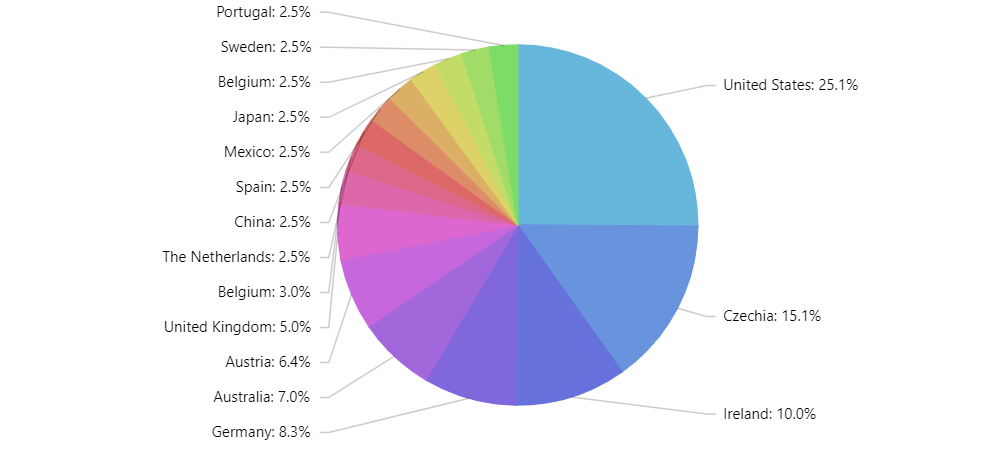
Use SliceGrouper
Section titled “Use SliceGrouper”SliceGrouper is a free plugin which would automatically group small slices into a single slice, which can be made to explode on click/tap.
let grouper = pieSeries.plugins.push(new am4plugins_sliceGrouper.SliceGrouper());grouper.threshold = 5;grouper.groupName = "Other";grouper.clickBehavior = "zoom";var grouper = pieSeries.plugins.push(new am4plugins_sliceGrouper.SliceGrouper());grouper.threshold = 5;grouper.groupName = "Other";grouper.clickBehavior = "zoom"; { // ... "series": [{ // ... "plugins": [{ "type": "SliceGrouper", "threshold": 5, "groupName": "Other", "clickBehavior": "break" }] }]}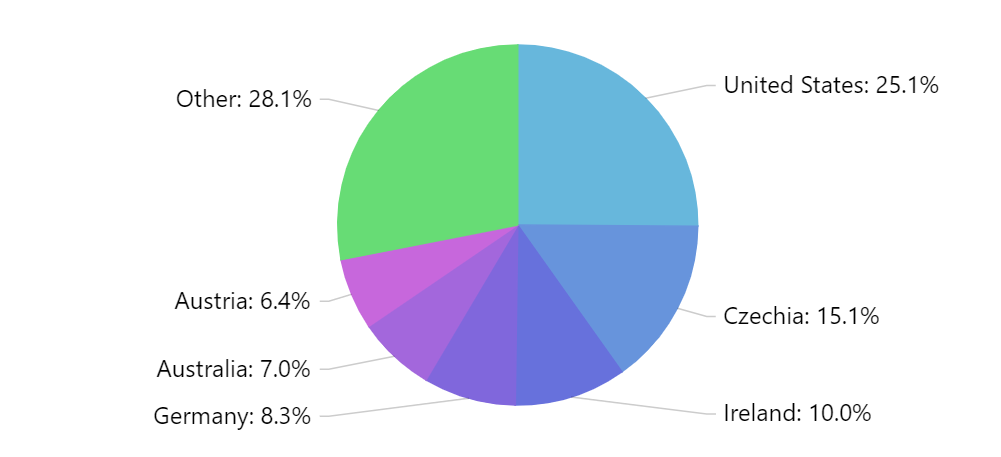
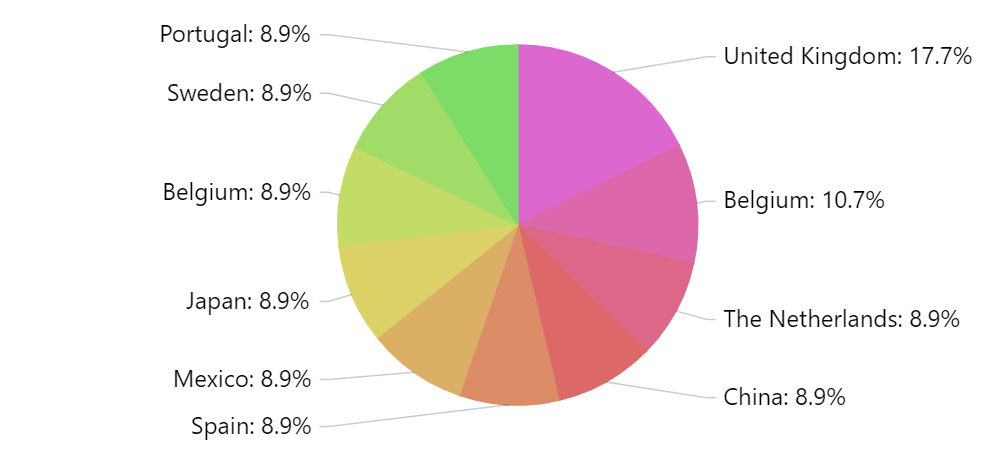
And here’s a live example using SliceGrouper: