

Fixing gradients and filters on straight lines
Due to how SVG handles filters and gradients if you have a perfectly straight line, e.g. on a LineSeries with some filter applied, say a DropShadowFilter or a LinearGradient, browser will cause it to render completely invisible. This short tutorial will show how to fix that.
The problem
Section titled “The problem”Let’s start with a very basic chart with a single LineSeries:
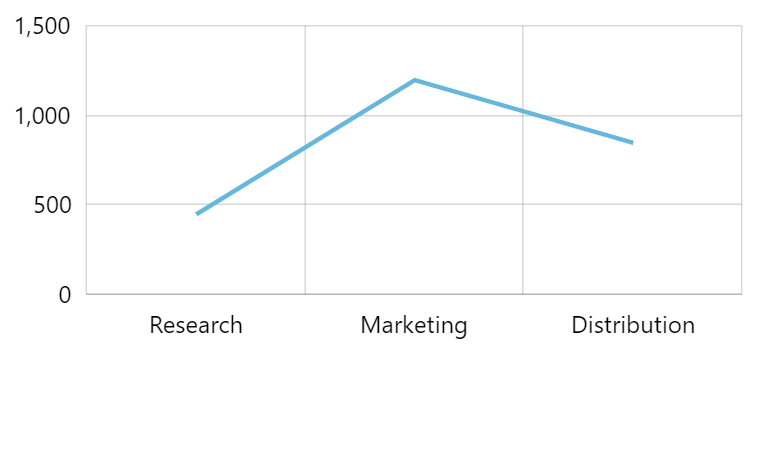
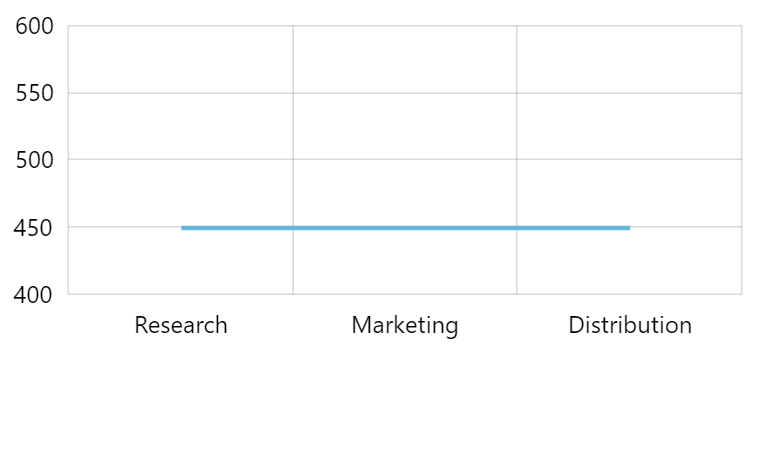
The two screenshots of the chart use the same LineSeries settings, but different data, with the second one resulting in a perfectly straight line.
Now, let’s try to add a shadow to our LineSeries and see what happens.
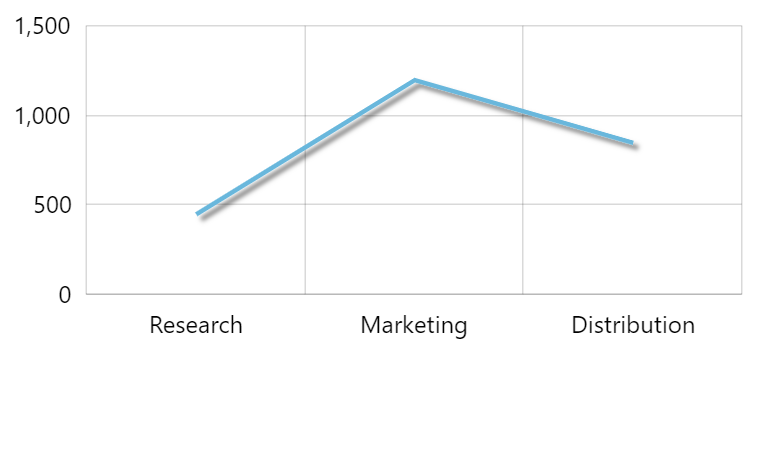
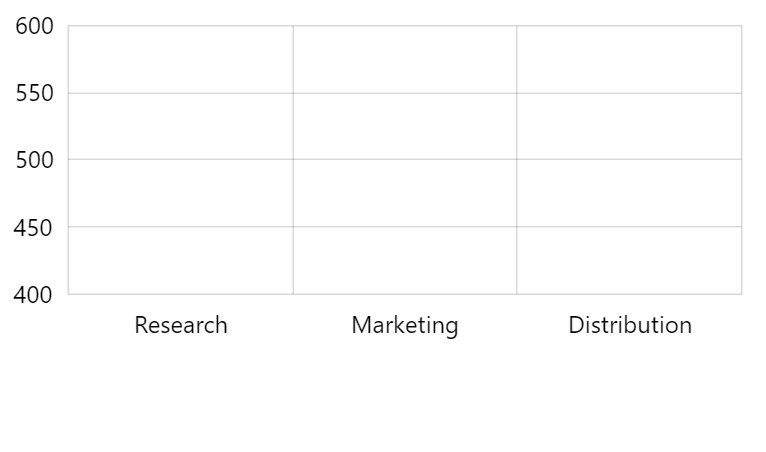
The first line is still there, with a nice shadow in tow, whereas the second one is gone completely.
This happens because rendering engine considers a perfectly straight line to have zero height, which in turn causes filter to misfire.
Let’s see how we can fix that.
The solution
Section titled “The solution”Fixing filters
Section titled “Fixing filters”Without delving into internals on how SVG rendering works, to fix it we just need to change filter units from default "objectBoundingBox" to "userSpaceOnUse".
This is done on a filter object:
let shadow = series.filters.push(new am4core.DropShadowFilter());shadow.filterUnits = "userSpaceOnUse";var shadow = series.filters.push(new am4core.DropShadowFilter());shadow.filterUnits = "userSpaceOnUse";{ // ... "series": [{ // ... "filters": [{ "type": "DropShadowFilter", "filterUnits": "userSpaceOnUse" }] }]}That should fix it:
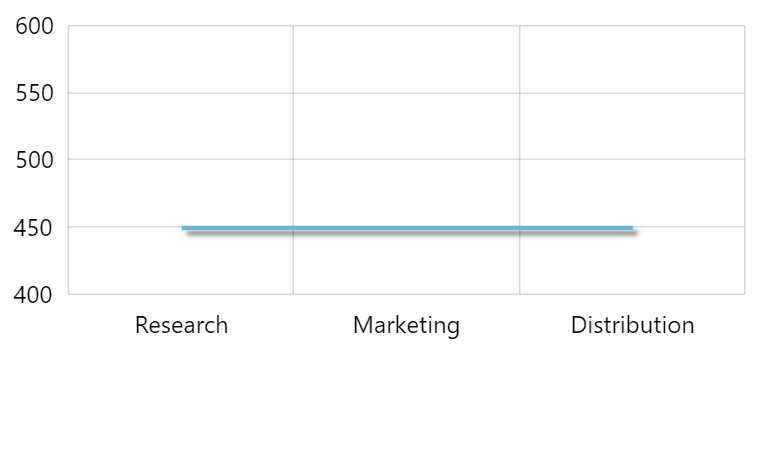
And here’s a working example:
Fixing gradients
Section titled “Fixing gradients”It works similarly on gradients as well. Except instead of setting filterUnits with set gradientUnits.
Let’s try this on a horizontal axis line this time:
let gradient = new am4core.LinearGradient();gradient.addColor(am4core.color("red"));gradient.addColor(am4core.color("black"));gradient.gradientUnits = "userSpaceOnUse";categoryAxis.renderer.line.strokeOpacity = 1;categoryAxis.renderer.line.strokeWidth = 3;categoryAxis.renderer.line.stroke = gradient;var gradient = new am4core.LinearGradient();gradient.addColor(am4core.color("red"));gradient.addColor(am4core.color("black"));gradient.gradientUnits = "userSpaceOnUse";categoryAxis.renderer.line.strokeOpacity = 1;categoryAxis.renderer.line.strokeWidth = 3;categoryAxis.renderer.line.stroke = gradient;{ // ... "xAxes": [{ // ... "renderer": { "line": { "strokeOpacity": 1, "strokeWidth": 3, "stroke": { "type": "LinearGradient", "gradientUnits": "userSpaceOnUse", "stops": [{ "color": "red" }, { "color": "black" }] } } } }]}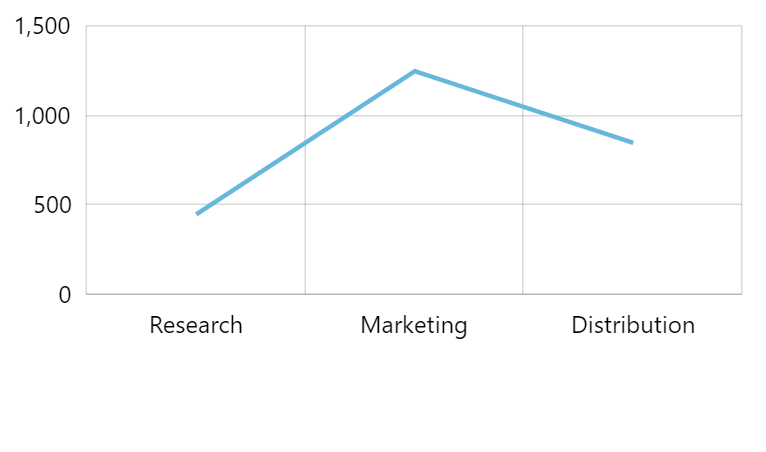
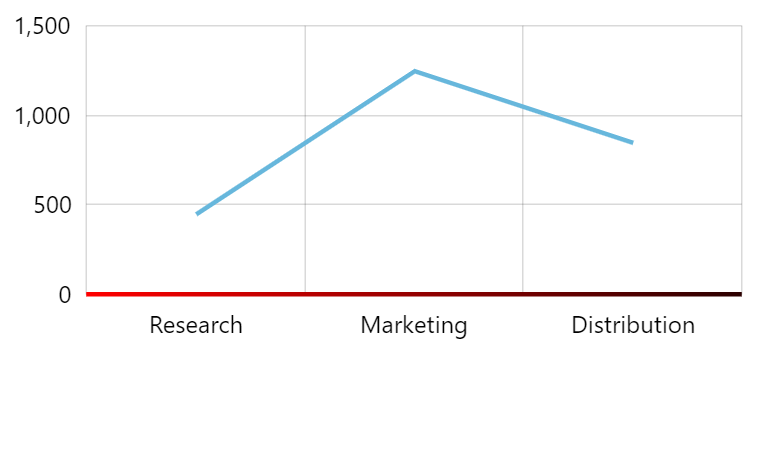
Live example: