

Dotted and dashed lines
Every line in amCharts - including outlines of other shapes - can be made dotted or dashed. This short tutorial will show how it works.
Enabling dashed line
Section titled “Enabling dashed line”You probably already know that setting color of a line (or and outline of a shape) is as easy as setting its stroke property, e.g.:
series.stroke = am4core.color("#f00");series.stroke = am4core.color("#f00");{ // ... "series": [{ // ... "stroke": "#f00" }]}The above will make LineSeries lines use red color:
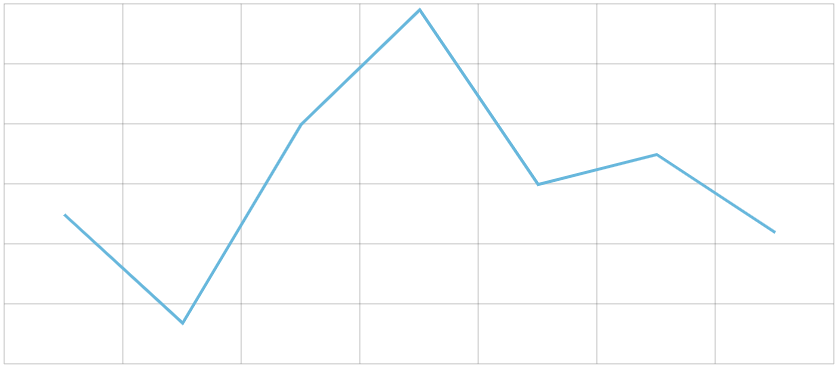
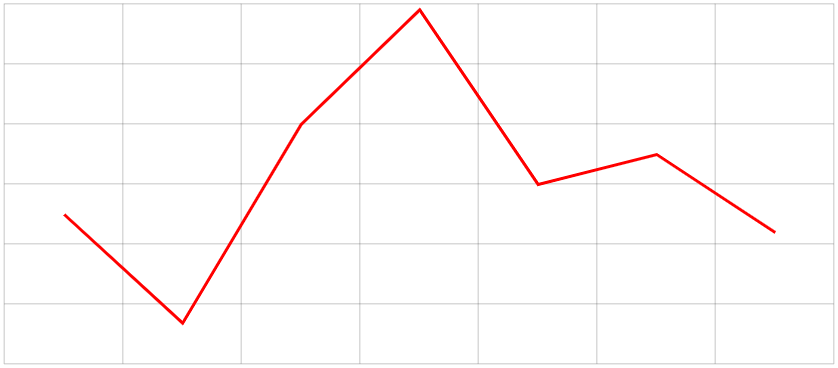
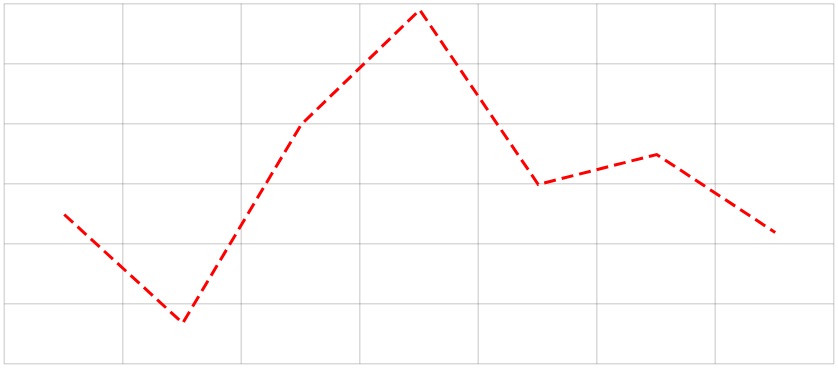
Making line dashed works the same way, by setting strokeDasharray property.
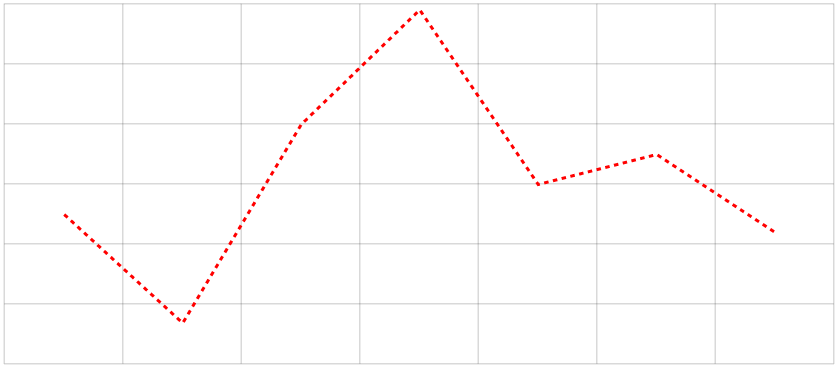
series.strokeDasharray = "3,3";series.strokeDasharray = "3,3";{ // ... "series": [{ // ... "strokeDasharray": "3,3" }]}
Dasharray values
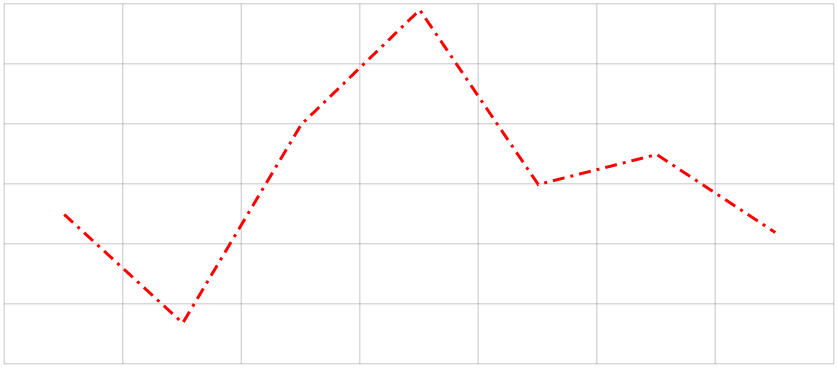
Section titled “Dasharray values”Basically, strokeDasharray value allows setting lengths of dashes, spacing between them, and even create intricate complex line styles.
The above example of "3,3" means “create dashes 3 pixel in lengths with spacing of 3 pixels between them”.
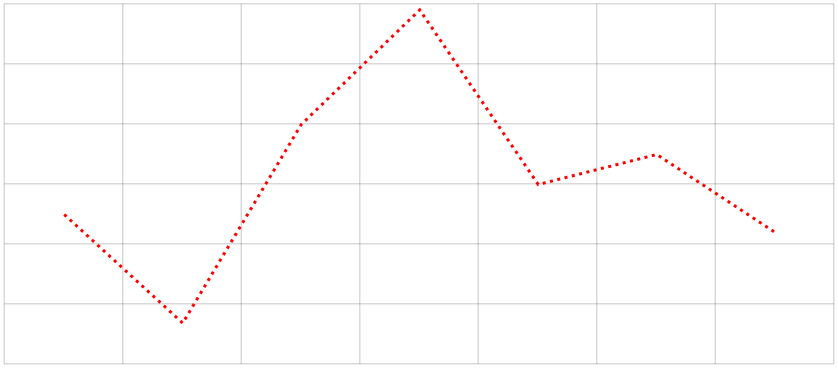
If we’d like to create dotted line, we’d set dash length to whatever strokeWidth we have. In our case that would be "2,3".
Applying to various objects
Section titled “Applying to various objects”We’ve already seen how to apply dash setting to a LineSeries. It works similarly to other elements.
Axis grid
Section titled “Axis grid”axis.renderer.grid.template.strokeDasharray = "3,3"axis.renderer.grid.template.strokeDasharray = "3,3"{ // ... "yAxes": [{ // ... "renderer": { "grid": { "strokeDasharray": "3,3" } } }]}Axis range line
Section titled “Axis range line”range.grid.strokeDasharray = "3,3"range.grid.strokeDasharray = "3,3"{ // ... "yAxes": [{ // ... "axisRanges": [{ // ... "grid": { "strokeDasharray": "3,3" } }] }]}Tooltip outline
Section titled “Tooltip outline”series.tooltip.background.strokeDasharray = "3,3"series.tooltip.background.strokeDasharray = "3,3"{ // ... "series": [{ // ... "tooltip": { "background": { "strokeDasharray": "3,3" } } }]}