Consistent outlines of Map Polygons on hover
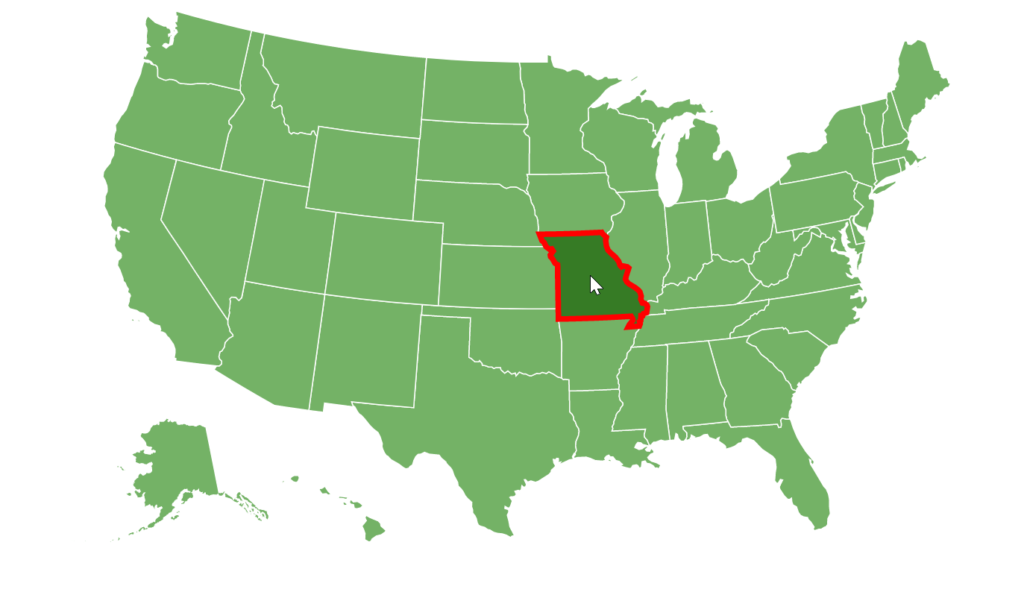
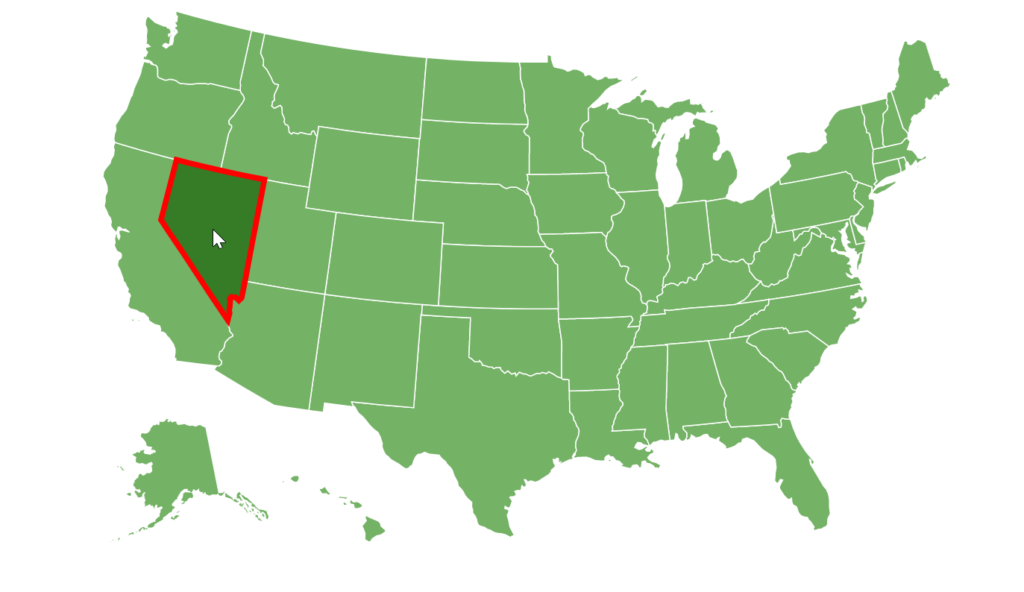
This tutorial will show how we can fix a problem where hovered MapPolygon has part of its outline (stroke) hidden behind the adjacent polygons.
The problem
Section titled “The problem”Let’s say we have a “hover” state on our polygons to apply thicker outline (stroke) on a map polygon when it’s hovered. E.g.:
let hoverState = polygonSeries.mapPolygons.template.states.create("hover");hoverState.properties.fill = am4core.color("#367B25");hoverState.properties.stroke = am4core.color("#ff0000");hoverState.properties.strokeWidth = 5;var hoverState = polygonSeries.mapPolygons.template.states.create("hover");hoverState.properties.fill = am4core.color("#367B25");hoverState.properties.stroke = am4core.color("#ff0000");hoverState.properties.strokeWidth = 5;{ // ... "series": [{ // ... "mapPolygons": { "states": { "hover": { "properties": { "fill": "#367B25", "stroke": "#ff0000", "strokeWidth": 5 } } } } }]}The code above ensures that when we hover over a map polygon it will have a fat red outline.
The issue is that all polygons are very close to each other, and that they are arranged in specific order, so when any part of a polygon (including outline) that’s further down in the back, will be partially obstructed by ones that are above it in the hierarchy.
The solution
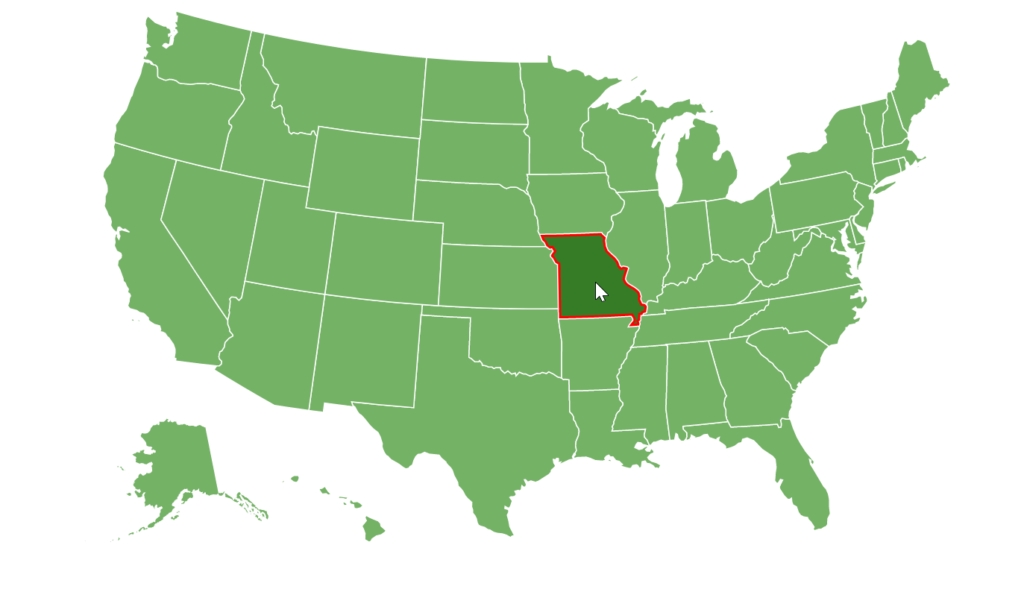
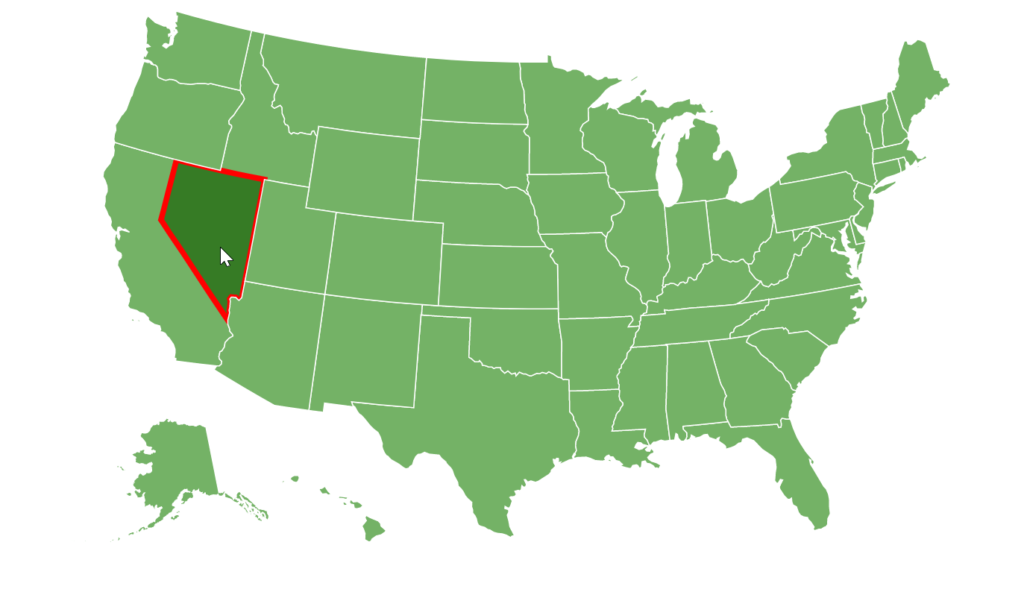
Section titled “The solution”The way around it is to bring hovered polygon forward.
To ensure it’s all the way on the top, we need to:
- Set it’s
zIndexto a really big value. - Call it’s
toFront()method.
To do that, we’re going to use over event:
polygonSeries.mapPolygons.template.events.on("over", function(event) { event.target.zIndex = Number.MAX_VALUE; event.target.toFront();});polygonSeries.mapPolygons.template.events.on("over", function(event) { event.target.zIndex = Number.MAX_VALUE; event.target.toFront();});{ // ... "series": [{ // ... "mapPolygons": { // ... "events": { "over": function(event) { event.target.zIndex = Number.MAX_VALUE; event.target.toFront(); } } } }]}