

Combining map polygon series to create grouped outlines
This tutorial will show how we can combine two MapPolygonSeries using different geodata granularity to create outlines for groups of smaller areas.
The task
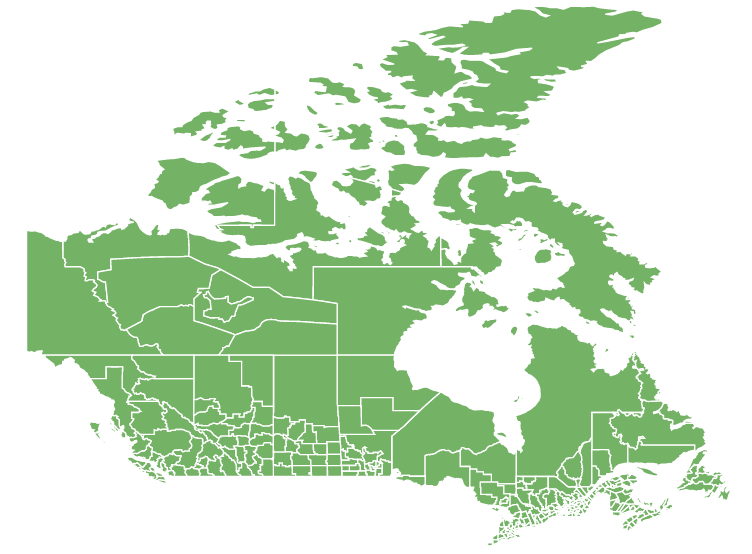
Section titled “The task”Let’s say we have a county map of Canada.
We would use geodata/regions/canada/canadaCountiesLow map for that.
Easy enough, but we would get a map with all the counties, with no distinction between states whatsoever:
The solution
Section titled “The solution”Luckily for us, MapChart supports any number of series, so we can mix and match them.
We are going to add another MapPolygonSeries and use a state map of Canada (canadaLow) for it:
// Create county serieslet countySeries = chart.series.push(new am4maps.MapPolygonSeries());countySeries.geodata = am4geodata_region_canada_canadaCountiesLow;
// Create state boundary serieslet stateSeries = chart.series.push(new am4maps.MapPolygonSeries());stateSeries.geodata = am4geodata_canadaLow;
// Create county seriesvar countySeries = chart.series.push(new am4maps.MapPolygonSeries());countySeries.geodata = am4geodata_region_canada_canadaCountiesLow;
// Create state boundary seriesvar stateSeries = chart.series.push(new am4maps.MapPolygonSeries());stateSeries.geodata = am4geodata_canadaLow;{ // ... "series": [{ "type": "MapPolygonSeries", "geodata": "region_canada_canadaCountiesLow" }, { "type": "MapPolygonSeries", "geodata": "canadaLow" }]}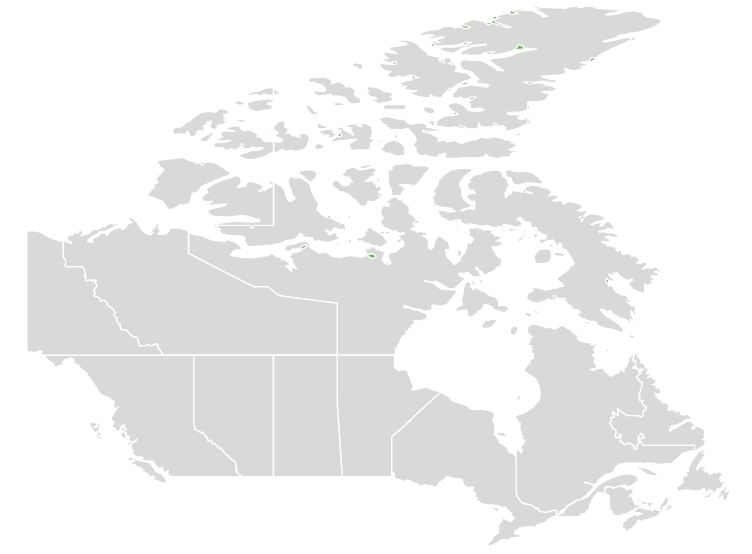
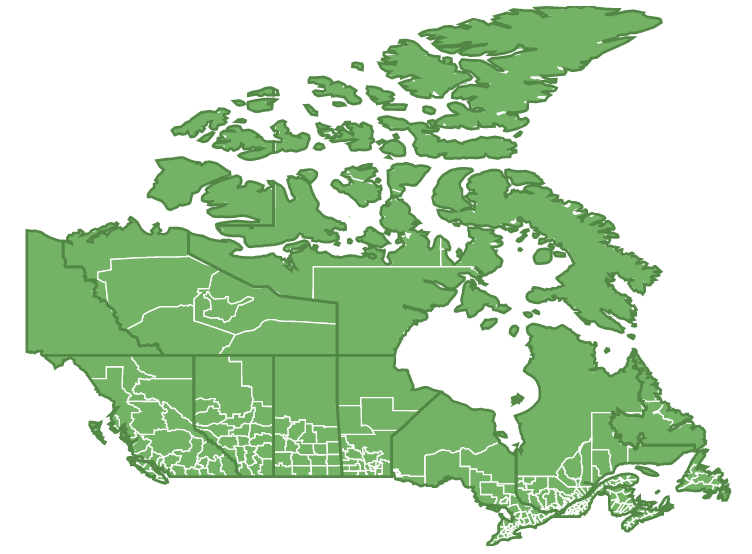
We now have a state map of Canada overlaid over county map of Canada.
Still not quite what we wanted, because state polygons are obstructing counties, and their state outlines are not prominent enough.
Let’s fix this by:
- Making states fully transparent, but for their outlines.
- Disabling all interactivity on state polygons so that underlying county polygons are fully interactable.
let stateSeries = chart.series.push(new am4maps.MapPolygonSeries());stateSeries.geodata = am4geodata_canadaLow;stateSeries.mapPolygons.template.fillOpacity = 0;stateSeries.mapPolygons.template.strokeWidth = 2;stateSeries.mapPolygons.template.stroke = am4core.color("#528745");stateSeries.mapPolygons.template.interactionsEnabled = false;var stateSeries = chart.series.push(new am4maps.MapPolygonSeries());stateSeries.geodata = am4geodata_canadaLow;stateSeries.mapPolygons.template.fillOpacity = 0;stateSeries.mapPolygons.template.strokeWidth = 2;stateSeries.mapPolygons.template.stroke = am4core.color("#528745");stateSeries.mapPolygons.template.interactionsEnabled = false;{ // ... "series": [{ "type": "MapPolygonSeries", "geodata": "region_canada_canadaCountiesLow" }, { "type": "MapPolygonSeries", "geodata": "canadaLow", "mapPolygons": { "fillOpacity": 0, "strokeWidth" : 2, "stroke": "#528745", "interactionsEnabled" false } }]}That’s it!