

Auto-adjusting chart height based on a number of data items
This tutorial will explain how you can easily make your chart grow or contract based on an actual number of data.
The problem
Section titled “The problem”Let’s take a simple bar chart:
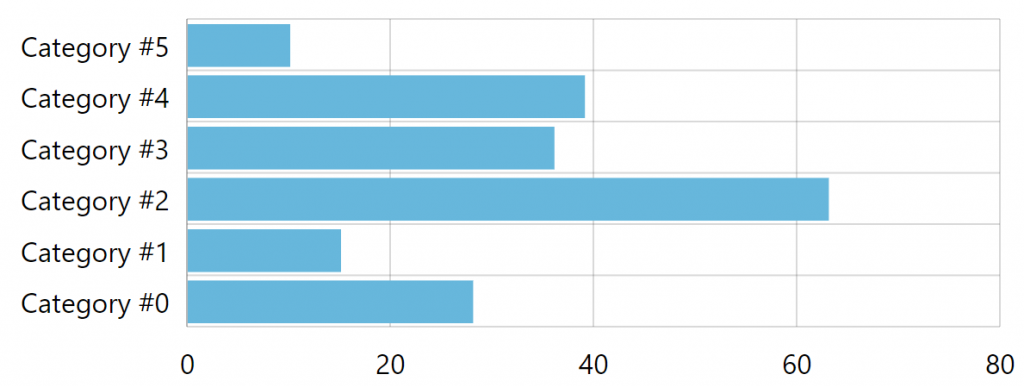
It looks OK.
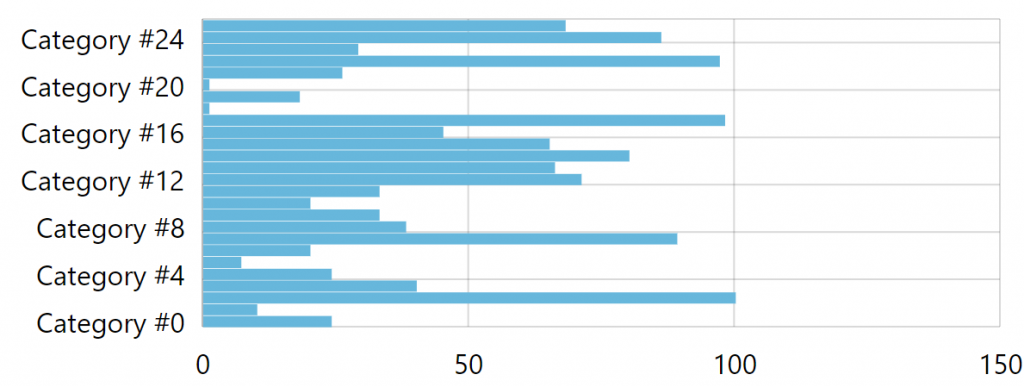
However, it height is fixed, so if we had more bars, it might start looking a bit awkward:
Or, if there are too few, we end up with huge bars wasting up space:
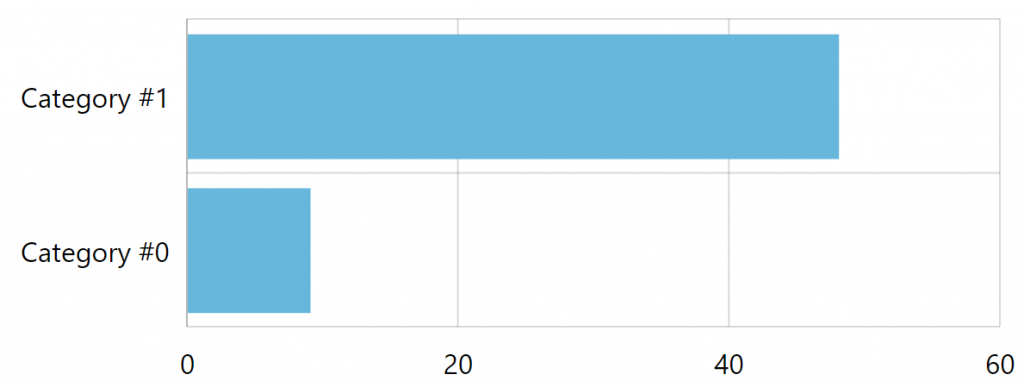
This is happening because the category axis will always try to adjust size of the bars for a better fit.
However, we can’t always anticipate number of bars in our data, and therefore cannot hardcode the height of the chart container.
The solution
Section titled “The solution”An obvious solution is to have chart container auto-adjust its height.
We will do that by utilizing chart’s "datavalidated" event, which kicks in at the moment when chart has finished processing its data.
At that moment we already know precisely how many bars we have, so we can calculate our target height for the chart container.
// Set cell size in pixelslet cellSize = 30;chart.events.on("datavalidated", function(ev) { // Get objects of interest let chart = ev.target; let categoryAxis = chart.yAxes.getIndex(0); // Calculate how we need to adjust chart height let adjustHeight = chart.data.length * cellSize - categoryAxis.pixelHeight; // get current chart height let targetHeight = chart.pixelHeight + adjustHeight; // Set it on chart's container chart.svgContainer.htmlElement.style.height = targetHeight + "px";});// Set cell size in pixelsvar cellSize = 30;chart.events.on("datavalidated", function(ev) { // Get objects of interest var chart = ev.target; var categoryAxis = chart.yAxes.getIndex(0); // Calculate how we need to adjust chart height var adjustHeight = chart.data.length * cellSize - categoryAxis.pixelHeight; // get current chart height var targetHeight = chart.pixelHeight + adjustHeight; // Set it on chart's container chart.svgContainer.htmlElement.style.height = targetHeight + "px";});{ // … "events": { "datavalidated": function(ev) { // Get objects of interest var chart = ev.target; var categoryAxis = chart.yAxes.getIndex(0); // Calculate how we need to adjust chart height var adjustHeight = chart.data.length * cellSize - categoryAxis.pixelHeight; // Get current chart height var targetHeight = chart.pixelHeight + adjustHeight; // Set it on chart's container chart.svgContainer.htmlElement.style.height = targetHeight + "px"; } }}